






Watch IPTV movies

Opplex IPTV Movies and Series: Check Availability Before Choosing a Plan

Looking for a particular movie, series, subtitle or audio language? Ask support to check that exact title before you choose a subscription. Available on-demand content, picture quality and player features can vary. A device that supports 4K does not make every title a 4K stream.

What's in the Library

Movies Hollywood, Bollywood and Beyond

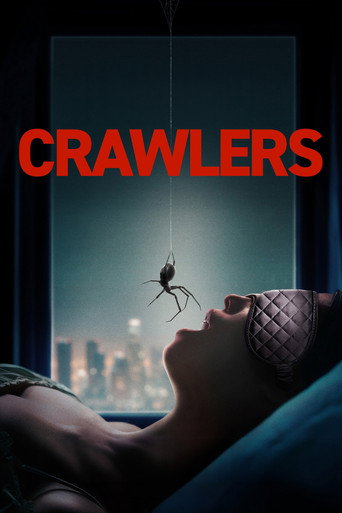
The movie section covers all major genres: action, thriller, drama, comedy, horror, sci-fi, romance, and documentary. Hollywood blockbusters sit alongside Bollywood releases, European cinema, and international titles. New releases are added regularly; you won't find yourself stuck rewatching the same ten films.

Series Current Shows and Classic TV

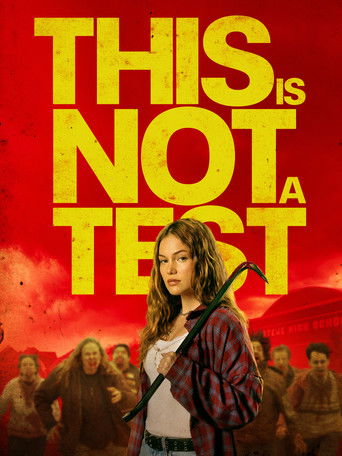
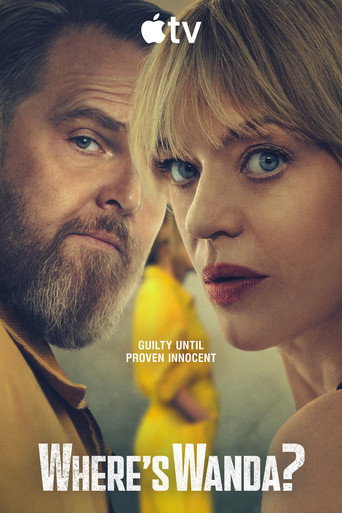
From ongoing US and UK series to older shows you've been meaning to catch up on, the series library is updated as new episodes air. Think prestige dramas, crime shows, comedies, reality, and international productions, all in one place without needing five separate streaming subscriptions.

Cartoons Something for the Whole Household

A dedicated cartoon section covers animated content for kids and families. If you've got children at home, this means the whole family gets what they want from a single Opplex subscription.

Included with every subscription

How to Browse and Watch Movies on Opplex

VOD is built into every subscription; there's nothing extra to activate. Once you're logged in to your IPTV app:

  1. 1

    Open the Movies, Series, or Cartoons tab from the app home screen

  2. 2

    Browse by genre or use the search bar to find a title by name

  3. 3

    Tap to play content loads in seconds

  4. 4

    Pause, rewind, and fast-forward just like any regular streaming app

Device compatibility

Watch on Any Screen You Already Own

You don't need a new device to access the VOD library. It works on whatever you're already using:

  • Amazon Firestick and Fire TV
  • Samsung, LG, and Sony Smart TVs
  • Android TV boxes and MAG devices
  • Android and iOS phones and tablets
  • Windows PCs and laptops
  • Mac via IBO Player

The picture quality adapts to your connection. Most titles stream in Full HD. 4K is available on supported content when your connection is at least 25 Mbps.

Movies and Series Common Questions

  • What's the difference between the Movies, Series, and Cartoons tabs?
    Movie covers standalone films. The series covers multi-episode shows, both ongoing and completed. Cartoons are a separate section focused on animated content for kids and families. The All tab shows everything together. You can also use the search bar to skip the categories entirely.
  • Availability changes, so ask support to check the exact title, season, audio language and subtitle requirements before purchasing. A listing or release date elsewhere does not confirm that it is available through your selected plan.
  • N, Opplex is a streaming service, not a download service. You need an active internet connection to watch. We recommend at least 15 Mbps for HD and 25 Mbps for 4K.
  • Almost always a connection issue or temporary high traffic on that server. Pause for 10 to 15 seconds and then resume; that usually clears it. If it keeps happening on a specific title, let us know on WhatsApp, and we'll check the source.
  • Send support the title and, for a series, the season and episode. We can check availability; a request does not guarantee that content will be added or provide a release date.
  • The source quality varies by title, as on any streaming service. Many titles are in Full HD or 4K. Some older content is in SD. If picture quality matters for a specific film, message us first and we'll confirm what's available.
  • No. The complete movie and series library is included in every Opplex subscription from day one. There's no VOD add-on, no content tier, and no extra charge; it's all part of the same plan.
WhatsApp