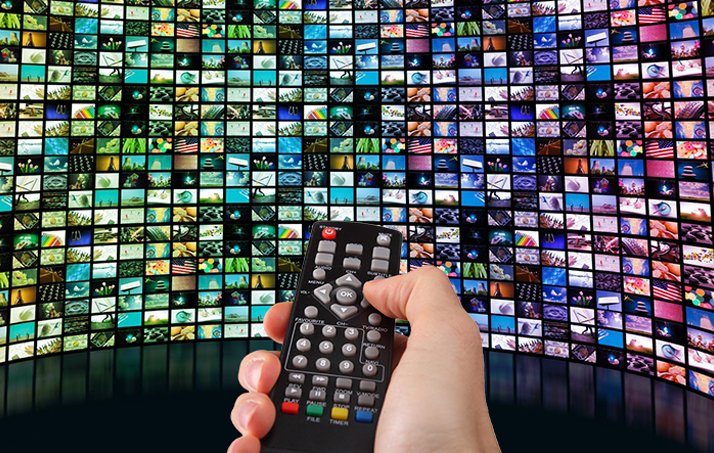
How to tune your streaming quality
Quality settings and buffering strategy matter more than raw speed.

Streaming quality is not just about internet speed—it is about stability, latency, and the way your device handles the stream. Start by matching resolution to the screen you actually use. If you stream on a 1080p TV, pushing 4K content may add buffering without visible gains. Use adaptive bitrate when available, and keep a fixed fallback quality for unstable networks.
On the device side, clear cache and close background apps that can steal bandwidth. Wired connections usually beat Wi-Fi for consistency, but if you rely on Wi-Fi, place the router away from heavy walls and reduce interference from other electronics. A good practice is to run a simple speed test at the time you watch most—if your speed drops in the evening, pre-select a lower bitrate profile.
Finally, don't ignore your provider settings. A good IPTV panel lets you set buffering time and stream priority. A small buffer gives faster channel switching, while a larger buffer hides brief network drops. Choose based on your household's usage pattern. The goal is a balanced setup that feels responsive while staying stable during busy hours.